

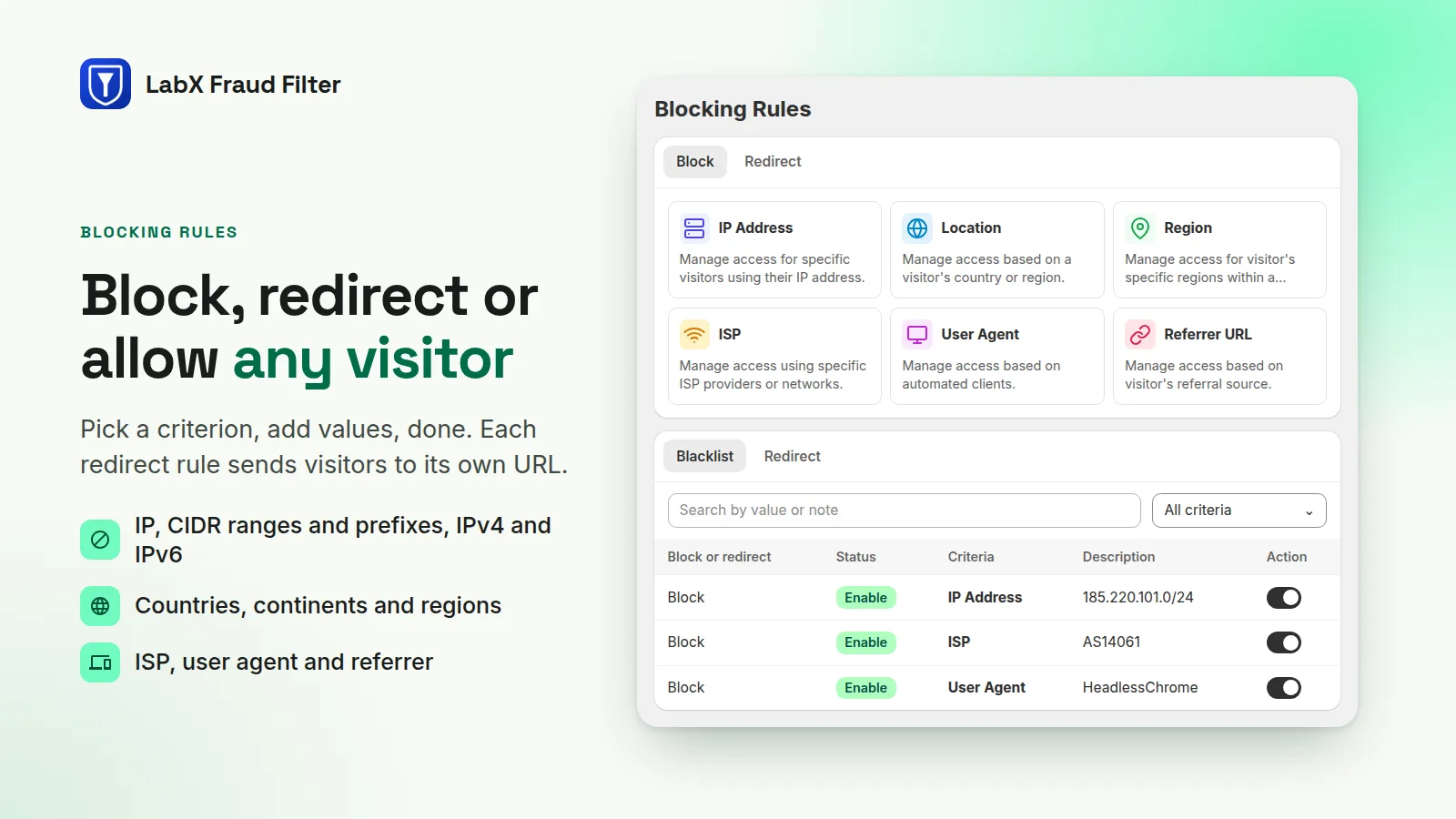
Rules for every kind of unwanted visitor
Each rule can block, redirect to its own URL, or allow (whitelist).
-
IP addresses
Exact IPs, CIDR blocks, prefixes like 177.229. and inclusive ranges, IPv4 and IPv6.
-
Countries and regions
Individual countries or continent groups, with a block-all-except mode for stores that sell to a few markets.
-
ISP, device and referrer
Match by ISP or ASN, browser, operating system, device type, user-agent text, or the site a visitor came from.
-
Pages and products
Protect a store path and everything under it, a single product, or every product in a collection.
-
Automatic detection
Tor exit nodes, datacenter traffic, an unknown-bot heuristic and headless browser detection.
-
Checkout protection
Block checkout by email, phone, name, country, address, zip code or customer tag, each rule with its own error message.
See and shape what blocked visitors get
-
Custom block page
Six templates with your colors, logo, background image and a custom CSS box.
-
Visitor analytics
Allowed versus blocked traffic, top countries and the reason behind each block.
-
Content protection
Deter right-click, copy shortcuts and text selection on your storefront.
Frequently asked questions
Does blocking slow my storefront down?
No extra request is needed for most rules: they travel with the page in a Shopify metaobject. Country, region and ISP rules trigger one GeoIP lookup per session, cached for 30 minutes.
What happens if the LabX server is unreachable?
Visitors are let through. The app fails open, so an outage on our side never locks real customers out of your store.
Will it block Google and other search crawlers?
No. A built-in allowlist of 25 known crawlers (search engines, social media, AI and SEO tools) is checked before your block rules, so search engines and link previews keep working.
Can a fraudster get around checkout protection?
Checkout rules run as a Shopify Function on Shopify’s own servers, not in the browser, so they apply even if a visitor disables scripts or skips the storefront.
How do I keep myself from being blocked while testing?
Use the admin bypass link. It skips every rule in your own browser, and you can rotate it at any time.